
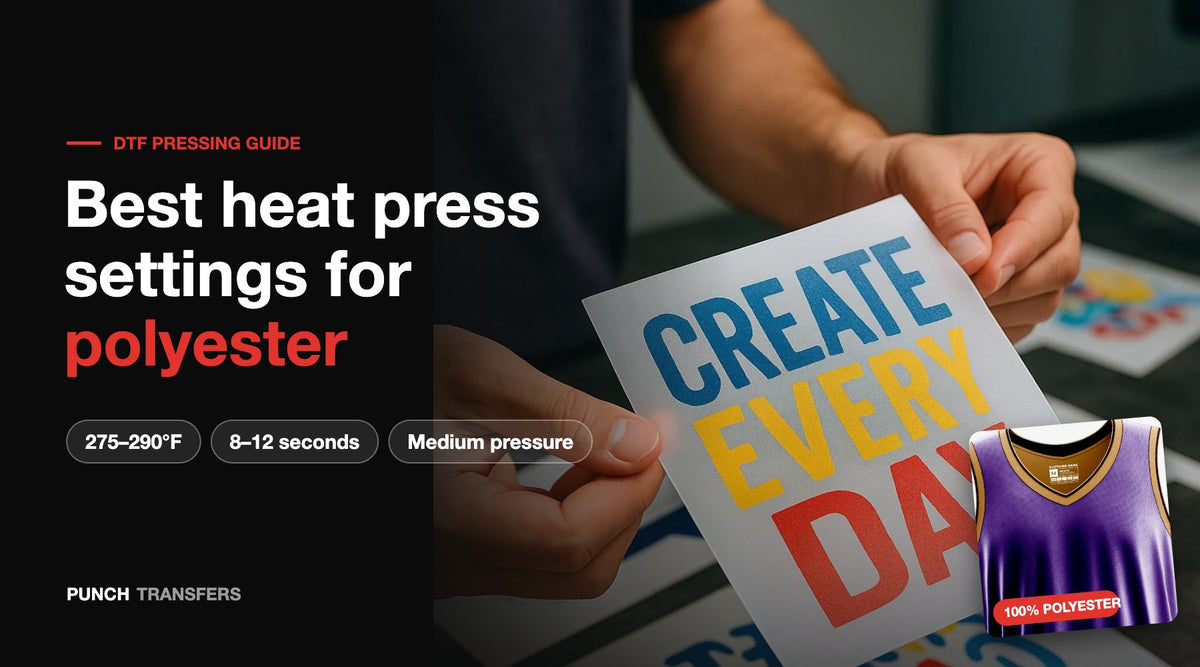
Quick answer: The best heat press settings for DTF transfers on polyester are 275–290°F (135–143°C) for 8–12 seconds at medium pressure, then a hot peel and an 8-second second press with a cover sheet. Polyester scorches and bleeds dye when it gets too hot, so stay at the low end of the range on dark or sublimated polyester and never go above 300°F.
Key takeaways
- Press 100% polyester at 275–290°F, 8–12 seconds, medium pressure.
- Use 275–280°F on red, black, navy and sublimated polyester to limit dye migration.
- Pre-press for only 2–3 seconds. Long pre-presses scorch polyester and leave shiny marks.
- Hot peel, then re-press for 8 seconds with parchment or a Teflon sheet.
- Check your platen with an infrared heat gun. Many presses run 10–20°F hotter than the display says.
- Wait 24 hours before the first wash and wash inside out in cold water.
Heat press settings for polyester and similar fabrics
| Fabric | Temperature | Time | Pressure | Peel |
|---|---|---|---|---|
| 100% polyester (jerseys, performance tees) | 275–290°F / 135–143°C | 8–12 sec | Medium | Hot |
| Dark, red or sublimated polyester | 275–280°F / 135–138°C | 8–10 sec | Medium | Hot |
| Poly/cotton blends (50/50, tri-blend) | 290–305°F / 143–152°C | 10–12 sec | Medium | Hot |
| Nylon (jackets, bags) | 270–285°F / 132–140°C | 8–10 sec | Medium | Hot |
| Coated or water-resistant polyester | Test at 270–280°F | 8 sec | Medium | Hot |
Every second press: 8 seconds at the same temperature with a cover sheet. These numbers match our full DTF pressing guide.
Why does polyester need lower heat than cotton?
Polyester is a plastic fiber. Above roughly 300°F it starts to soften, turns shiny where the platen touches it, and releases dye that can travel into the transfer. Cotton handles 310–320°F without trouble. DTF adhesive bonds well at 275–290°F, so there is no benefit to pressing polyester hotter. Extra heat only adds risk.
How to press DTF transfers on polyester, step by step
- Set and verify the temperature. Set the press to 280°F and check the platen with an infrared heat gun in a few spots. Adjust until the real reading is 275–290°F.
- Prep the garment. Lint roll the print area. Lay the shirt flat with the print area centered on the lower platen. Use a pressing pillow if there are seams, zippers or buttons in the way.
- Pre-press for 2–3 seconds. This removes moisture and wrinkles. Do not pre-press longer on polyester.
- Place the transfer. Set it ink side down. A strip of heat tape keeps it from shifting.
- Press for 8–12 seconds at medium pressure. Cover with parchment or a Teflon sheet to protect the fabric.
- Hot peel. Peel the film right away in one smooth motion. If any edge lifts, lay the film back down and press 3–5 more seconds.
- Second press for 8 seconds. Cover the design with parchment and press again. This locks in the adhesive and gives a softer, matte finish.
- Let it cure. Wait 24 hours before washing.
What is dye migration and how do you stop it?
Dye migration happens when heat releases the dye in polyester and it bleeds into the transfer. You see it as a pink, gray or muddy tint in white or light ink, usually on red, maroon, black and sublimated jerseys. It can show up hours or days after pressing.
- Press at 275–280°F instead of 290°F.
- Keep total press time short: 8 seconds, then the 8-second second press.
- Do a test press on a hidden spot or a spare garment, then check it the next day.
- Pressing a big run on red or sublimated jerseys? Contact us before you order and we can help you plan a test.
How do you avoid shiny marks and press box lines on polyester?
The square outline left by the top platen is called a press box. Polyester shows it more than cotton. To prevent it:
- Use a pressing pillow or foam pad inside the shirt so only the print area takes pressure.
- Drop pressure from heavy to medium.
- Always use a cover sheet, never bare platen on polyester.
- Keep the temperature at or under 290°F.
Light press marks usually fade after the first wash. Scorch marks do not, which is why the lower temperature matters.
Can you press DTF on moisture-wicking and coated polyester?
Yes, on most of it. Moisture-wicking and athletic polyester take DTF well at the settings above. Fabrics with a water-resistant, silicone or DWR coating can stop the adhesive from bonding, so always test first. If the transfer peels off after cooling, the coating is the problem, not the press. Rain jackets and some umbrellas are not good candidates for DTF.
Does the type of heat press matter for polyester?
Clamshell, swing-away and drawer presses all work. The thing that matters is even heat and consistent pressure. Handheld presses like the Cricut EasyPress can work on small designs, but they make even pressure harder, so press in overlapping sections and add a few seconds. Whatever you use, check it with a heat gun. Our how to press DTF transfers guide covers each press type.
Troubleshooting DTF transfers on polyester
| Problem | Likely cause | Fix |
|---|---|---|
| White ink turns pink or gray | Dye migration | Lower to 275–280°F, shorten press time, test first |
| Shiny or scorched fabric | Too hot or too long | Verify with a heat gun, use a cover sheet, shorten pre-press |
| Press box outline | Too much pressure on the platen edge | Use a pressing pillow, drop to medium pressure |
| Edges lifting after peel | Not enough heat or pressure | Lay film back down, press 3–5 sec more, increase pressure slightly |
| Transfer will not stick at all | Water-resistant coating | Test a scrap, switch to an uncoated garment |
| Cracking after washing | Washed too soon or dried hot | Wait 24 hours, wash inside out, tumble dry low |
How to wash polyester shirts with DTF prints
- Wait 24 hours after pressing.
- Turn the shirt inside out.
- Wash in cold or warm water on a gentle cycle.
- Skip bleach and fabric softener.
- Tumble dry low or hang dry. Never iron directly on the print.
Frequently asked questions about pressing DTF on polyester
What temperature do you press DTF transfers on polyester?
Press DTF transfers on 100% polyester at 275–290°F (135–143°C). Use 275–280°F on dark, red or sublimated polyester to reduce dye migration.
How long do you press DTF on polyester?
Press for 8–12 seconds at medium pressure, peel hot, then press again for 8 seconds with a cover sheet.
Is DTF hot peel or cold peel on polyester?
Punch Transfers DTF transfers are hot peel on every fabric, including polyester. Peel right after the first press, then do the second press.
Can you press DTF on 100% polyester?
Yes. DTF works well on 100% polyester, including jerseys and performance shirts. It is one of the main reasons shops choose DTF over sublimation for dark polyester.
Why did my DTF print turn pink on a red polyester shirt?
That is dye migration. The red dye in the fabric released under heat and bled into the white ink. Press cooler, press shorter, and test before running a full order.
Will a heat press melt polyester?
It can if the press runs hotter than about 300°F or stays down too long. At 275–290°F with a cover sheet, polyester will not melt or scorch.
Do I need a Teflon sheet or parchment paper for polyester?
Yes. Use parchment or a Teflon sheet on the second press, and on the first press if your platen is uncoated. It protects the fabric and evens out the heat.
Need help with your next polyester order?
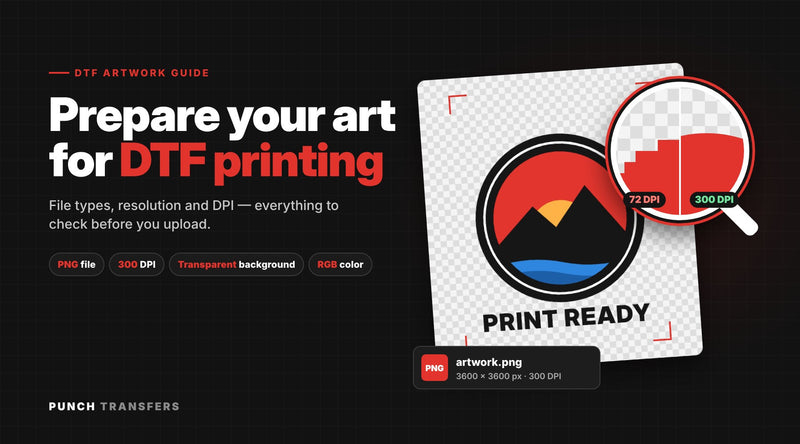
Order custom DTF transfers by size or build a 22-inch gang sheet, printed in Fall River, MA with no minimums. Not sure how your fabric will react? Get a free sample pack and test it first, or run your file through the free art checker. For file prep tips, read our DTF artwork guide. Questions? Call us at (774) 770-6201.
Keep reading
Ready to press?
Put these tips to work
Order DTF transfers by size, build a gang sheet, or try a free sample pack first.


